
Running the business · 2026-07-28
How to Protect Course Videos: What Works and What Is Theatre
Signed URLs, domain locking, watermarks, DRM — what each one actually stops, what none of them stop, and where your effort is better spent.
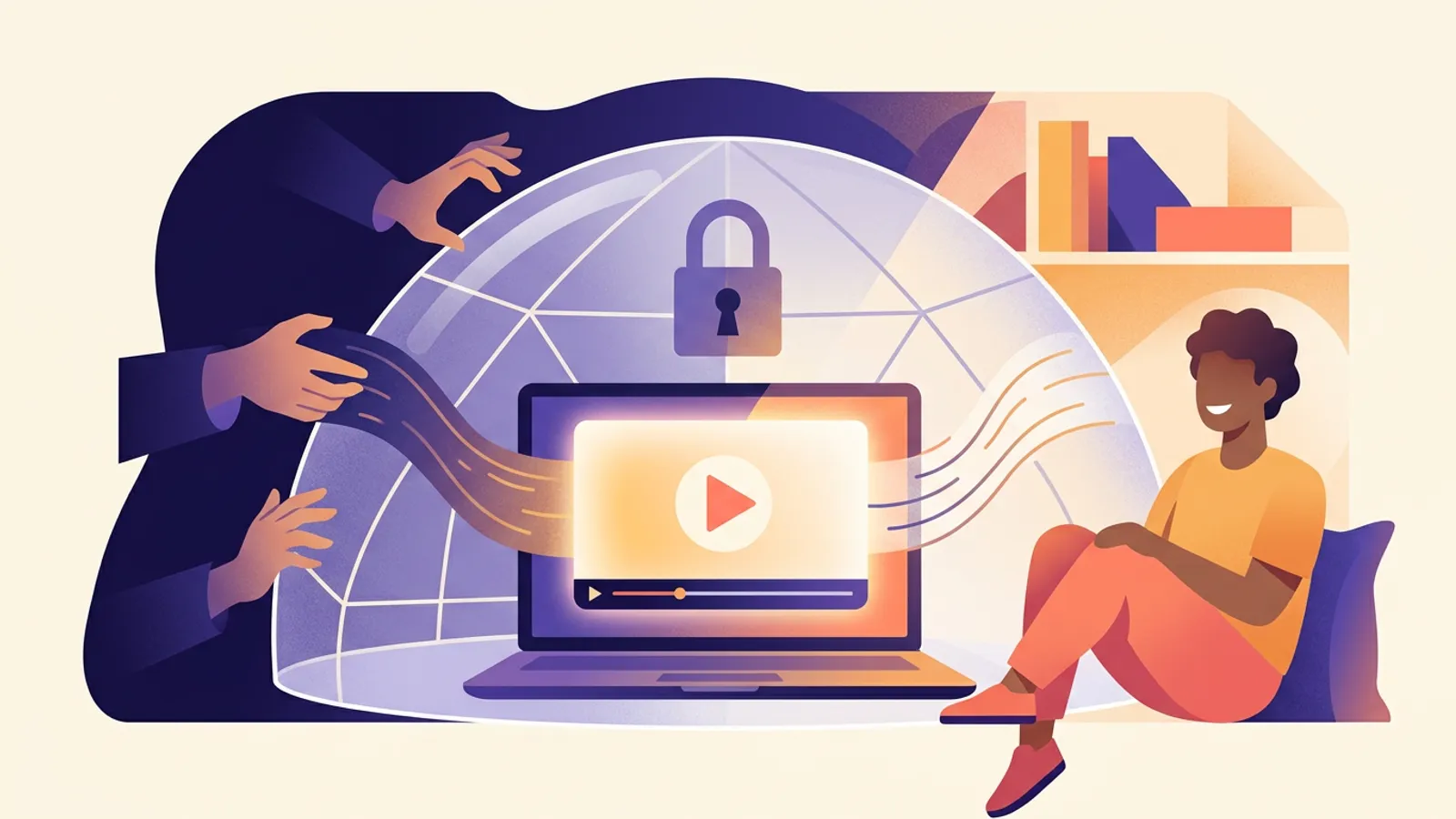
Start with the uncomfortable truth: if a video can be watched, it can be recorded. Someone pointing a phone at a screen defeats every technical measure that exists.
So the goal is not zero leakage. It is:
- Make casual re-sharing inconvenient (this alone stops the overwhelming majority)
- Make leaks traceable, so there is a deterrent
- Avoid punishing the paying students in the process
The third one is where most people go wrong.
What each measure actually stops
| Measure | Stops | Does not stop |
|---|---|---|
| Unlisted video on a course page | Search engines, URL sharing | Reading the page source for the file URL |
| Signed URLs (short-lived tokens) | Copying and pasting the link | Screen recording |
| Domain allow-listing | Your player being embedded elsewhere | Screen recording |
| Dynamic watermark (student email) | — | Screen recording, but identifies who leaked it |
| DRM (Widevine / FairPlay) | Common screen-recording software | Filming the screen, determined attackers |
The order to do things in
First: the file URL must not be directly accessible. If your videos sit in cloud storage or as static files, the URL works forever once someone has it. This is the only genuine hole on the list — fix it before anything else. Use a video service with signed, short-lived URLs (Bunny Stream, Vimeo and similar).
Second: lock to your domain. Allow playback only when embedded on your site. Cheap to configure, removes an entire category of theft.
Third: watermark, if the price justifies it. Overlay the student's email or order number, semi-transparent, moving position. It stops nothing technically — but a leaked file with someone's name on it is a far stronger deterrent than any encryption.
DRM is usually not worth it. High cost, real compatibility problems (some devices and browsers simply fail to play), and it still does not stop a phone camera. Consider it only for high-priced, time-sensitive content.
The higher-leverage move: make piracy pointless
Technical measures cap out quickly. These usually do more:
- Keep the course updated. Pirated copies are stale; the paying version is current.
- Sell what cannot be copied. Q&A, assignment feedback, community, certification.
- Price near your audience's willingness to pay. Piracy rates climb sharply when the gap is large.
Things not to do
- Disabling right-click or blocking developer tools. Stops nobody, and signals to honest students that you regard them as thieves.
- Forcing fullscreen or blocking pause. Real harm to the learning experience for essentially zero protection.
- One device per account, strictly enforced. Well-intentioned, but people change phones and laptops. Leave slack, or your support inbox becomes the cost.
On this platform
Video runs through Bunny Stream with signed playback URLs and domain allow-listing, plus free-preview segments you control per lesson. Access is checked before a playback request is even issued — someone who has not bought the course cannot reach the video at all.
Related: Course marketplace vs your own site · White-label course platform